 EzyChat
How to let multiple staff reply from one WhatsApp number
Updated · 6 min read
Also in: Bahasa Melayu · 中文 · Bahasa Indonesia
Quick answer
There are three ways to let several staff reply from one WhatsApp number: link up to four extra devices to the WhatsApp Business app, pay for the WhatsApp Business API with a team inbox, or run a free team inbox such as EzyChat Lite. EzyChat Lite links your number once and gives every staff member their own login, chat assignment and internal notes.
Why one WhatsApp number is hard to share
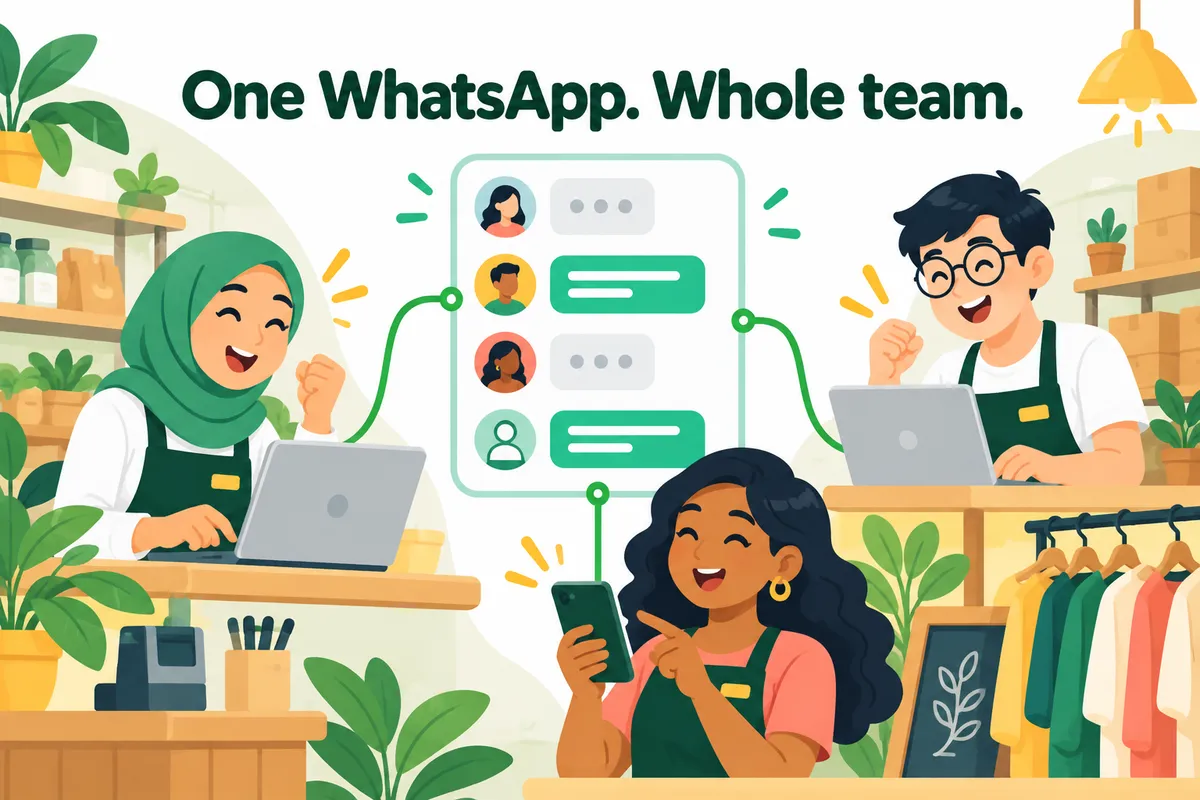
Customers in Malaysia, Singapore, Indonesia and the Philippines expect to reach a business on one WhatsApp number. Behind that number there is usually a team: the owner, sales staff, someone handling deliveries. When everything runs through one phone, the same problems show up in almost every shop:
- Messages are missed when the person holding the phone is busy or off duty.
- Two staff answer the same customer, or nobody does.
- Nobody knows who promised what to which customer.
- The phone gets passed around, with the owner’s personal chats on it.
There are three ways to fix this. They differ mainly in cost, limits and control.
Option 1: Linked devices in the WhatsApp Business app
The free WhatsApp Business app lets you link other devices to the same account, the way WhatsApp Web works. Staff open WhatsApp Web or WhatsApp Desktop on their computer and scan a QR code from the phone.
- On the business phone, open WhatsApp Business → Settings → Linked devices.
- Tap Link a device.
- On the staff computer, open web.whatsapp.com and scan the QR code shown there.
Good: free, official and quick to set up.
Limits: up to four linked devices besides the phone (more with a paid Meta Verified subscription). Every device sees every chat, replies all appear as the business, and there is no way to see who replied, assign a chat to one person or leave notes for colleagues. The phone also has to come online regularly or the linked devices are logged out.
Option 2: The WhatsApp Business API with a team inbox
Larger teams often move to the WhatsApp Business Platform (the API) through a provider such as Wati, respond.io, SleekFlow or Qontak. The provider gives every agent a login, routing, automation and reporting.
Good: official, scales to many agents and numbers, supports approved broadcast templates.
Limits: you pay twice: a monthly fee to the provider (often per agent) and Meta’s per-message charges. Business-initiated messages need approved templates, and moving an existing number to the API takes some setup.
Option 3: A free team inbox on your own computer
EzyChat Lite is a free, open-source app for Windows and macOS. It links your existing WhatsApp number once, as one linked device, and serves a shared inbox to your whole team. Each person signs in with their own account from a browser on the office network, or from anywhere through your own Cloudflare tunnel, and can install the inbox on their phone with notifications.
- Download EzyChat Lite and install it on a computer that stays on during business hours.
- Create the admin account and link your number with a QR or pairing code.
- Invite your staff. Each person gets their own login.
- Your team replies from one inbox: whoever replies first owns the chat and their name shows on it, chats can be reassigned, and internal notes stay invisible to customers.
You can also switch on an optional AI sales agent that answers customers from your business information and hands the chat to a person when needed. It uses your own OpenAI key or ChatGPT sign-in; EzyChat adds no fee.
Good to know
EzyChat Lite is not an official WhatsApp product. The computer needs to stay on for the team inbox to work (messages still reach your phone when it is off), and each installation links one number. Use it for normal customer conversations, never bulk messaging. The getting started guide walks through every step.
The three options side by side
| Linked devices | Business API + inbox | EzyChat Lite | |
|---|---|---|---|
| Cost | Free | Monthly fee + Meta per-message charges | Free |
| How many staff | Phone + 4 devices | Many (paid per agent) | Whole team |
| Own login per staff | No | Yes | Yes |
| See who replied | No | Yes | Yes |
| Assign chats | No | Yes | Yes |
| Internal notes | No | Yes | Yes |
| AI replies with hand-off | Depends on Meta’s rollout | Usually extra cost | Yes |
| Keeps your current number and app | Yes | Partly | Yes |
| Official WhatsApp product | Yes | Yes | No |
Cost
- Linked devices
- Free
- Business API + inbox
- Monthly fee + Meta per-message charges
- EzyChat Lite
- Free
How many staff
- Linked devices
- Phone + 4 devices
- Business API + inbox
- Many (paid per agent)
- EzyChat Lite
- Whole team
Own login per staff
- Linked devices
- No
- Business API + inbox
- Yes
- EzyChat Lite
- Yes
See who replied
- Linked devices
- No
- Business API + inbox
- Yes
- EzyChat Lite
- Yes
Assign chats
- Linked devices
- No
- Business API + inbox
- Yes
- EzyChat Lite
- Yes
Internal notes
- Linked devices
- No
- Business API + inbox
- Yes
- EzyChat Lite
- Yes
AI replies with hand-off
- Linked devices
- Depends on Meta’s rollout
- Business API + inbox
- Usually extra cost
- EzyChat Lite
- Yes
Keeps your current number and app
- Linked devices
- Yes
- Business API + inbox
- Partly
- EzyChat Lite
- Yes
Official WhatsApp product
- Linked devices
- Yes
- Business API + inbox
- Yes
- EzyChat Lite
- No
Which option fits your business?
- One or two people reply: linked devices in the WhatsApp Business app are enough.
- A small team that needs to know who handles which customer: a free team inbox such as EzyChat Lite gives everyone their own login, assignment and notes without monthly fees.
- High volume, broadcasts or many numbers: the WhatsApp Business API with a provider, or EzyChat Enterprise if you want it built around your workflows.
Frequently asked questions
Can two people use the same WhatsApp Business account at the same time?
Yes. With linked devices, up to four other devices can use the account alongside the phone (more with Meta Verified). Everyone sees every chat and replies go out under the business name, but you cannot see who replied or assign chats to a person.
Is there a free way to give each staff member their own login?
Yes. EzyChat Lite is free and open source. It links your existing number once as a linked device and gives each team member a login to a shared inbox, with chat assignment and internal notes.
Do I need the WhatsApp Business API for a team?
Not for a small team handling normal customer chats. The API makes sense for high volumes, broadcasts or many numbers. Meta charges per message, and API inbox providers add a monthly fee.
Can my WhatsApp number get banned for sharing it with staff?
Linking devices for normal conversations is how WhatsApp Web works. Bulk or unsolicited messages break WhatsApp’s terms and can get any number banned, whichever tool you use.